
 Additional settings for Safari Browser.


Navigating the Digital World: Computer Lab Etiquette
Posted Date: 01/05/26 (07:10 AM)
 From Riverdale to Riverdale
Dear Students and Families,
In today’s world, technology literacy is just as important as reading and writing. Our school computer labs and devices are fantastic tools for learning, research, and creation. To ensure they remain valuable resources for everyone, it’s essential that all students understand and practice strong computer lab etiquette and develop responsible digital habits. 💻
Computer Lab Etiquette: Respecting Our Shared Space
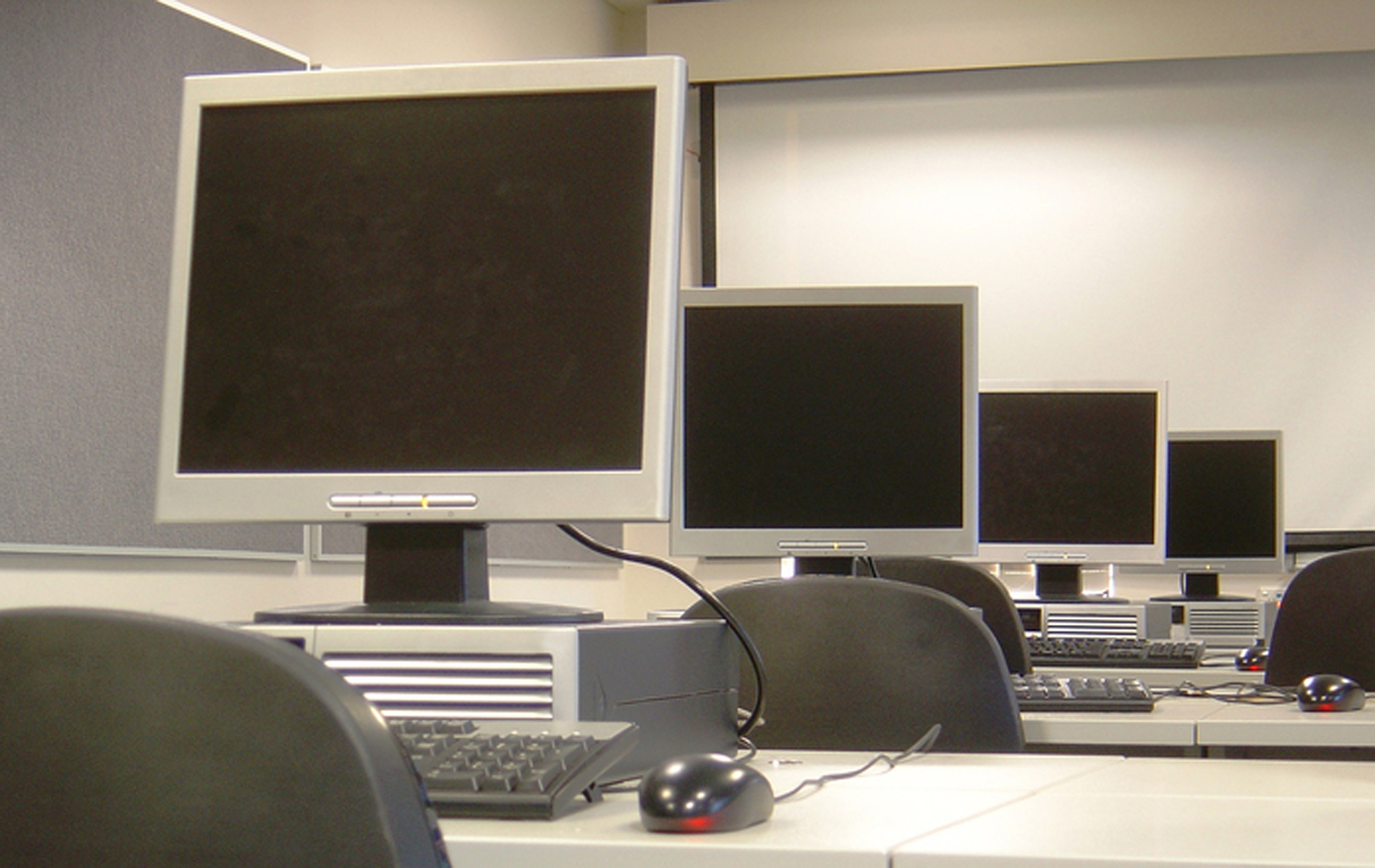
The computer lab is a community space, and following these simple rules helps keep our equipment running smoothly and our learning environment productive:- Handle Equipment Carefully: Our computers, keyboards, mice, and monitors are expensive tools. Use a light touch! Never eat or drink near the equipment to prevent spills and damage.
- Log On and Off Properly: Always use your assigned login credentials. When your class is finished, always log off (or shut down, as instructed by your teacher) to protect your work and the device.
- Keep Noise Levels Low: Use a quiet voice when working with partners or asking a question. Be mindful that others are concentrating.
- Stay on Task: Use the devices only for assigned schoolwork. Avoid unauthorized websites, games, or social media during class time.
- Leave No Trace: Clean up your workspace. Throw away trash and push in your chair before leaving the lab.